Meeting Planning App

A meeting planning app is a type of mobile application that groups of any kind can use to plan and book meetings. Build your own Meeting Planning App for free with Jotform Apps — no coding required. Add meeting sign-in forms, attendance trackers, meeting agendas, and more. All you need to do is use this ready-made app template, add your own forms, and share it with your users!
Customizing your Meeting Planning App is a breeze with Jotform’s easy-to-use online builder. Drag and drop to add or remove forms, upload branding assets, change your app’s logo, and so much more. You can even integrate with 250+ platforms — like Slack, Calendly, and Google Drive — to make your app more efficient. Meet smarter with Jotform!
Employee App
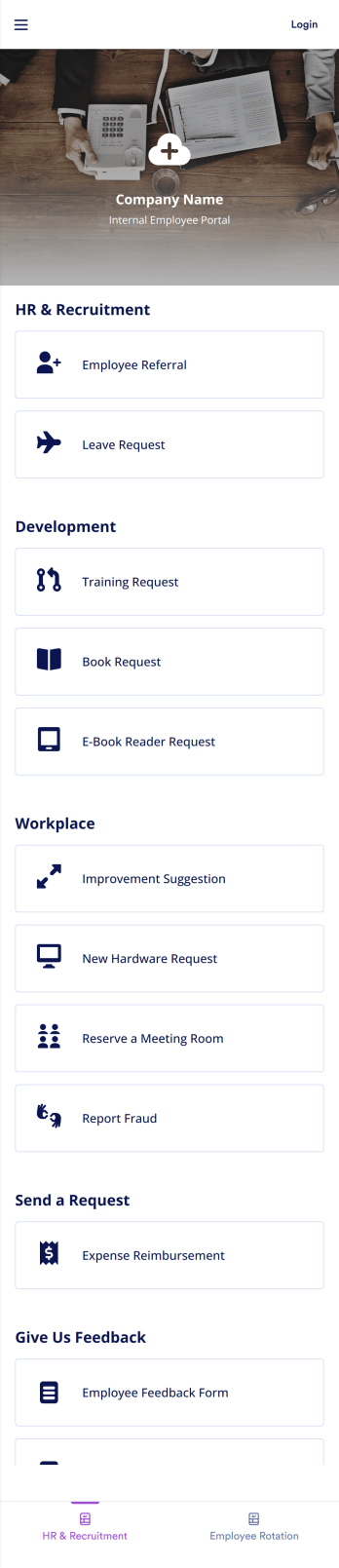
An employee app allows employees to access important company information and submit their own data from any device. Create an employee portal for your company with Jotform’s free Employee App. This ready-to-use template includes multiple forms such as employee referral forms, leave request forms, meeting reservation forms, COVID-19 screening forms, expense reimbursement forms, and more. Thanks to the role-based visibility condition, only selected admin users can see certain forms, such as department rotation. Using the app, employees can access and fill out any of the included forms from any smartphone, tablet, laptop, or desktop.Customize your Employee App to match your company in just a few clicks. With our drag-and-drop builder, you can easily add as many forms, links, documents, buttons, pages, and other app elements as you need. Plus, you can update fonts and colors, upload logos, and change the app icon and name to better represent your company. With Jotform’s Role-based feature, you can control access so tutors, admins, and other users see only the parts of the app relevant to them. Share your app with employees to download onto their own devices by sending email invites or the app link. Keep important company forms all in one secure, easily accessible Employee App!
Go to Category:Company Portal Apps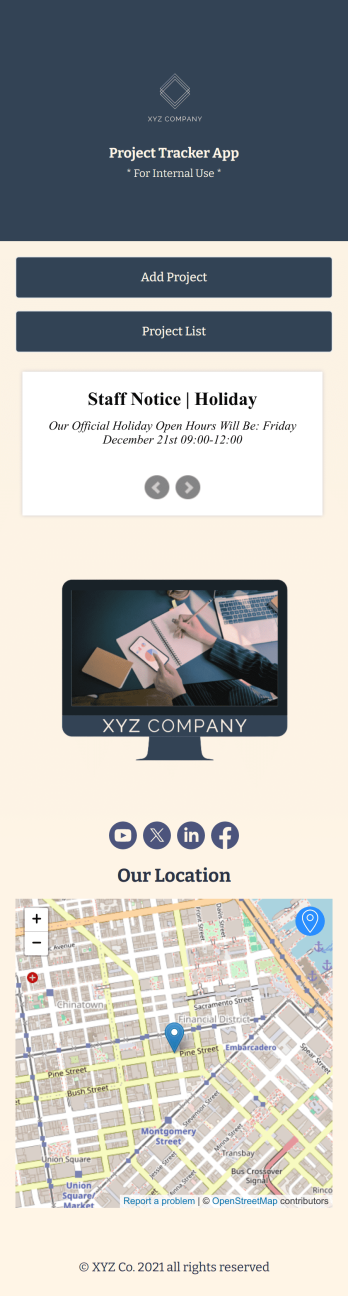
Project Tracker App
A project tracker app is used to keep track of projects on any device. Whether you’re working on personal projects or managing an entire team, use this Project Tracker App to get organized fast! You can add new project details and view all of your projects directly from the app, which is easy to share with a link and download onto your smartphone, tablet, or computer. You can even view projects as a spreadsheet, calendar, or cards with Jotform Tables’ Project Tracker Template.Need to make changes to this app template? Add your logo, choose a new icon, update the background, or include more forms to track other types of information. Once you’ve got your app looking perfect, send it to members of your team so they can start submitting and tracking projects too. Streamline your workflow with a free Project Tracker App for any industry.
Go to Category:Tracker Apps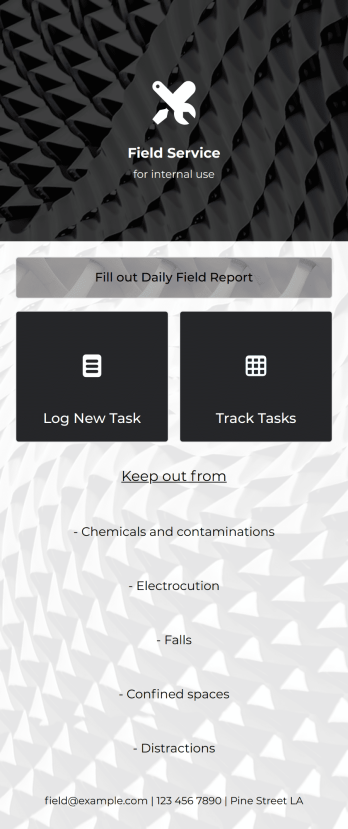
Field Service App
A field service app makes it easier for technicians and other employees who work offsite to submit reports while in the field. Instead of using paper forms or waiting until you’re back at your office computer to submit reports, use this free Field Service App powered by Jotform to work anywhere, anytime. This customizable app template includes forms for submitting daily reports, logging new tasks, and tracking completed tasks. All submissions are instantly synced to your secure Jotform account.Need to modify this Field Service App to meet your needs? Just use our drag-and-drop builder to add forms, links, documents, buttons, pages, text, images, videos, tables, data grids, and much more. When it’s ready to use, download your app onto your smartphone, tablet, laptop, or computer for easy access. You can also share it with others via the app link or email invites. Get work done wherever you are with a custom, easy-to-use Field Service App.
Go to Category:Construction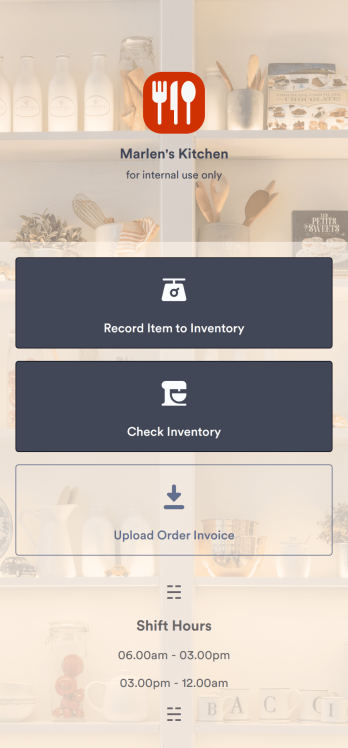
Restaurant Food Inventory App
A Restaurant Food Inventory App is used by restaurant owners and their employees to keep track of food and equipment. With this readymade app template, you can record inventory type, item name and type, quantity, and unit cost. There is also a separate form for uploading PDFs and images of invoices. Inventory submissions are instantly synced to an easy-to-read Restaurant Inventory Sheet, which is stored securely in your online account.Looking to customize your Restaurant Food Inventory App? Our drag-and-drop interface makes it easy to add forms, choose fonts and colors, upload your restaurant’s logo, update the app name or text, and more — no coding necessary. Afterwards, simply have your employees download the app onto any smartphone, tablet, or desktop, and you’re ready to go. Make inventory tracking a breeze with this Restaurant Food Inventory App!
Go to Category:Company Portal Apps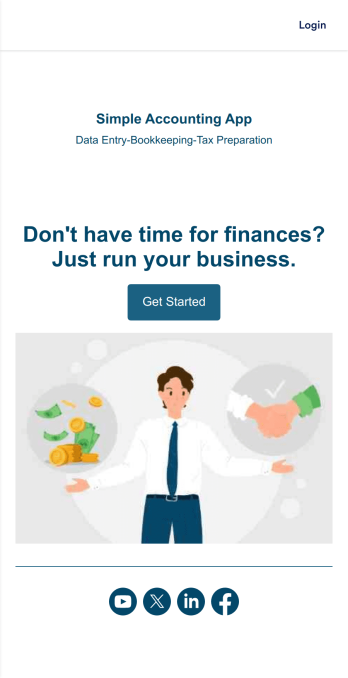
Simple Accounting App
Looking for an easy and convenient way to manage your accounting clients? With Jotform’s Simple Accounting App, you can create a bookkeeping app that works seamlessly for both you and your clients. Build your app from scratch or pick one of our ready-made app templates to spark your creativity. Add pricing information, contact forms, showcase past client reviews, and more.Customize your Simple Account App with Jotform’s easy-to-use app builder. Use our drag-and-drop app builder to change up the look and feel of your app, add powerful app elements, install helpful app widgets, and integrate with one of our 30+ payment processors, including Stripe and Square to collect fees and payments. Share your customized app via email or embed it directly into your own website. Help your clients reach their finance goals with your very own Simple Accounting App.
Go to Category:Company Portal Apps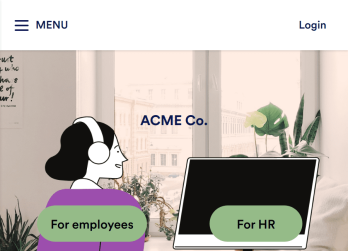
Employee Training App
Monitor your employees’ training progress from a central location with Jotform’s free Employee Training App. Employees can download this app onto any device and document when they’ve completed individual training courses, as well as evaluate the effectiveness of their courses and instructors with a detailed checklist. HR can track employee training statuses and attendance using built-in Jotform Tables spreadsheets.Customize this ready-made app template to match your company’s branding without any coding knowledge. Simply drag and drop to add or change form fields and checklist items, create additional pages, choose fonts and colors, personalize the app icon and splash screen with your unique branding — and much more. After you’re finished, simply embed your app in an internal company website or send out email invites to new employees during the onboarding process. Make sure your employees are getting the training they need with this fully-customizable Employee Training App from Jotform.
Go to Category:Company Portal Apps